How to organize a home office for remote work
Arrange your workspace around your real tasks, then test comfort, access, lighting, and upkeep so the office works well every day.

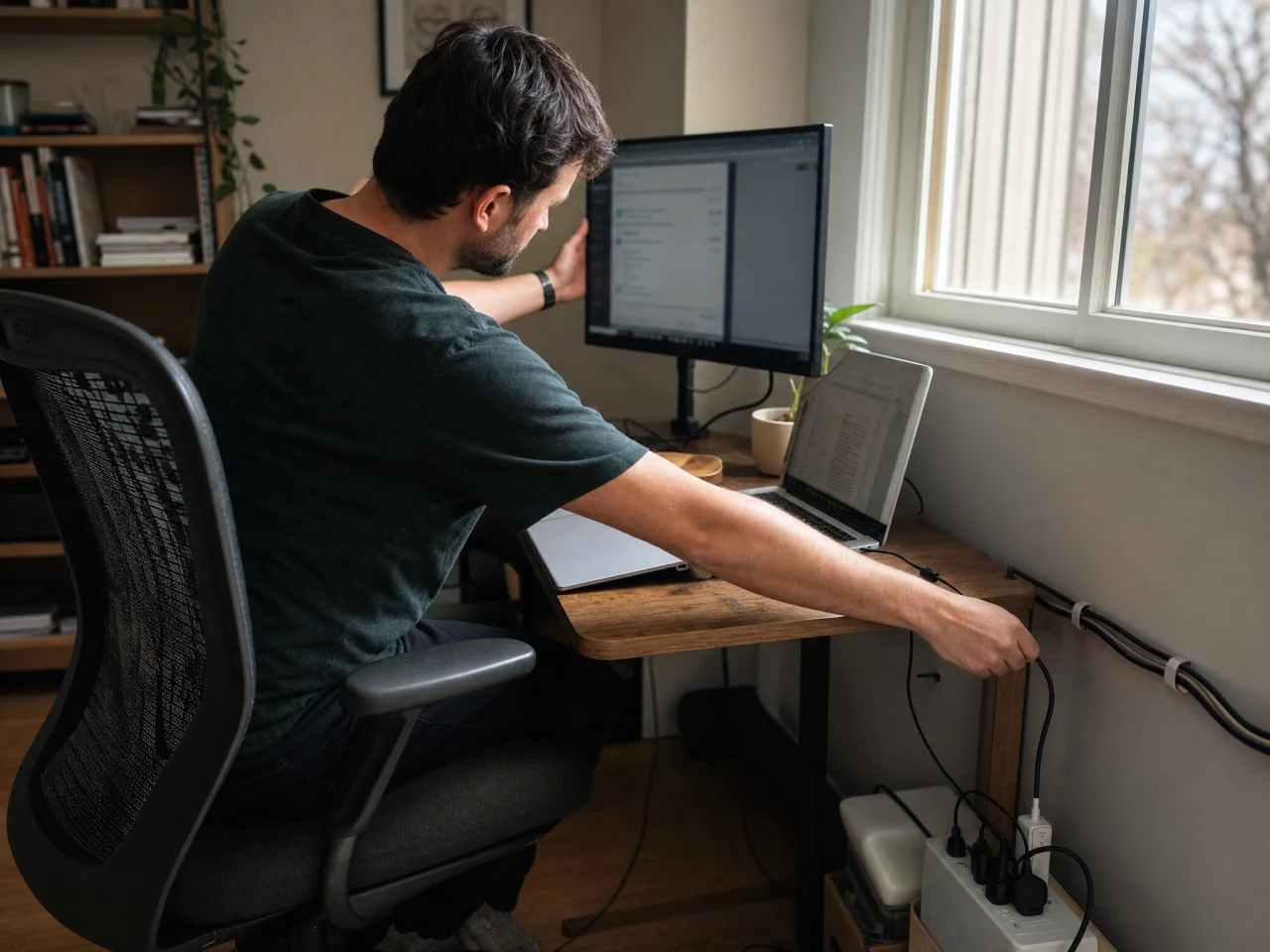
Make your workspace fit your day
Your home office should fit the work you do, not a picture of a perfect desk. The right setup uses the space you have, keeps daily tools close, and is easy to put back in order.
ChatGPT can use your room size, current furniture, equipment, schedule, and work habits to build a practical office plan with clear priorities and low-cost options.

A layout that supports your work
A good layout puts the things you use most within easy reach and keeps screens away from glare. The best choice depends on room size, doors, windows, outlets, video calls, and whether you need long blocks of quiet focus. ChatGPT can compare your room details, furniture, equipment, and work habits, then suggest the layout that makes the best use of your space.
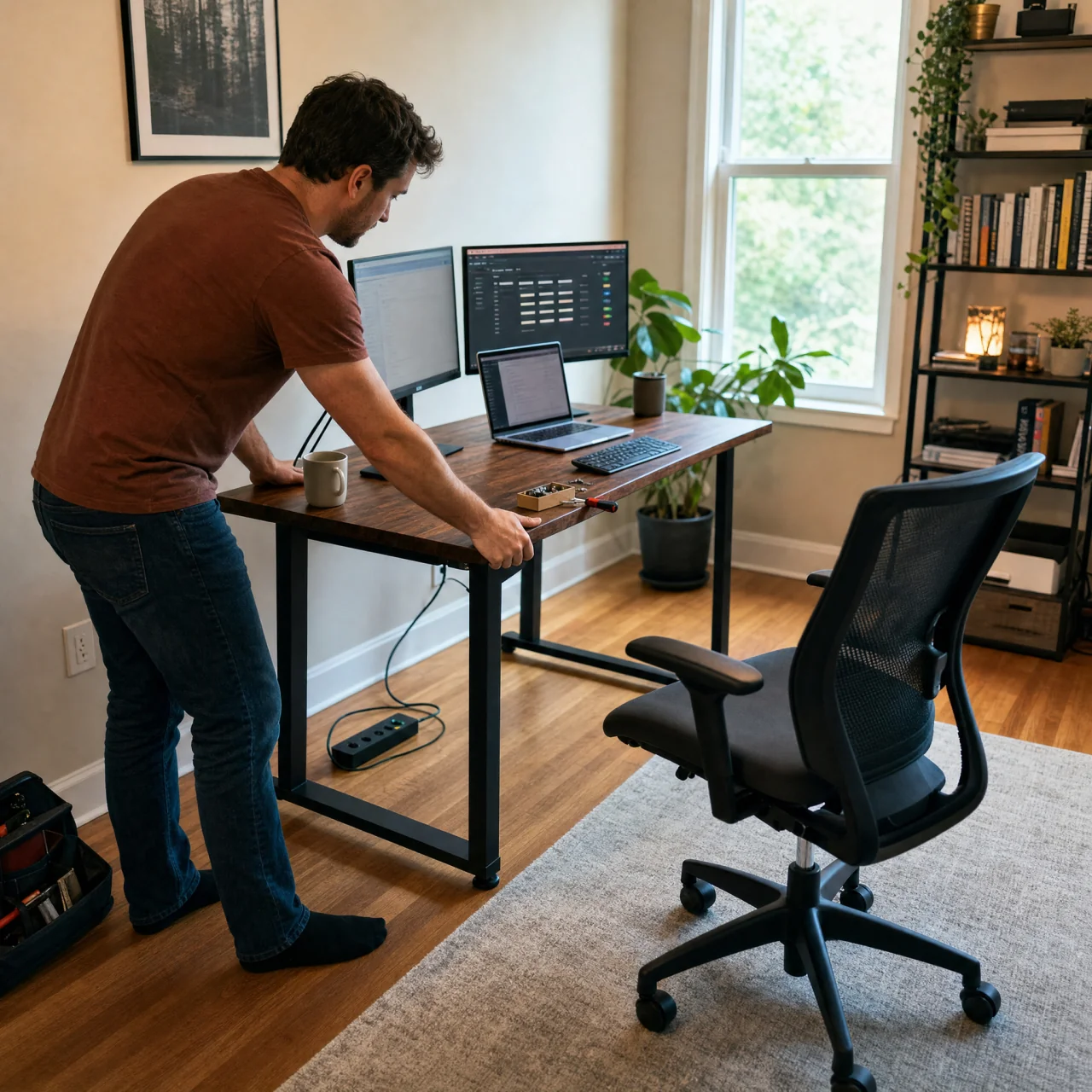
Your home office setup order
Once the layout is set, place the desk and chair before adding storage, lighting, cables, and small supplies. This order makes it easier to test clearances and power access, keeps heavy items from blocking the way, and avoids moving the same things twice. ChatGPT can turn your chosen layout, equipment list, and available time into an ordered setup checklist with sensible stopping points.

Test your office on a workday
An office can look neat and still feel tiring after a few hours. During a normal workday, notice neck or wrist strain, screen glare, hard-to-reach tools, weak call audio, and anything that breaks your focus; also check whether you can move safely around the chair and desk. ChatGPT can review a workspace photo and your notes about discomfort or interruptions, then return a short, prioritized list of practical fixes.
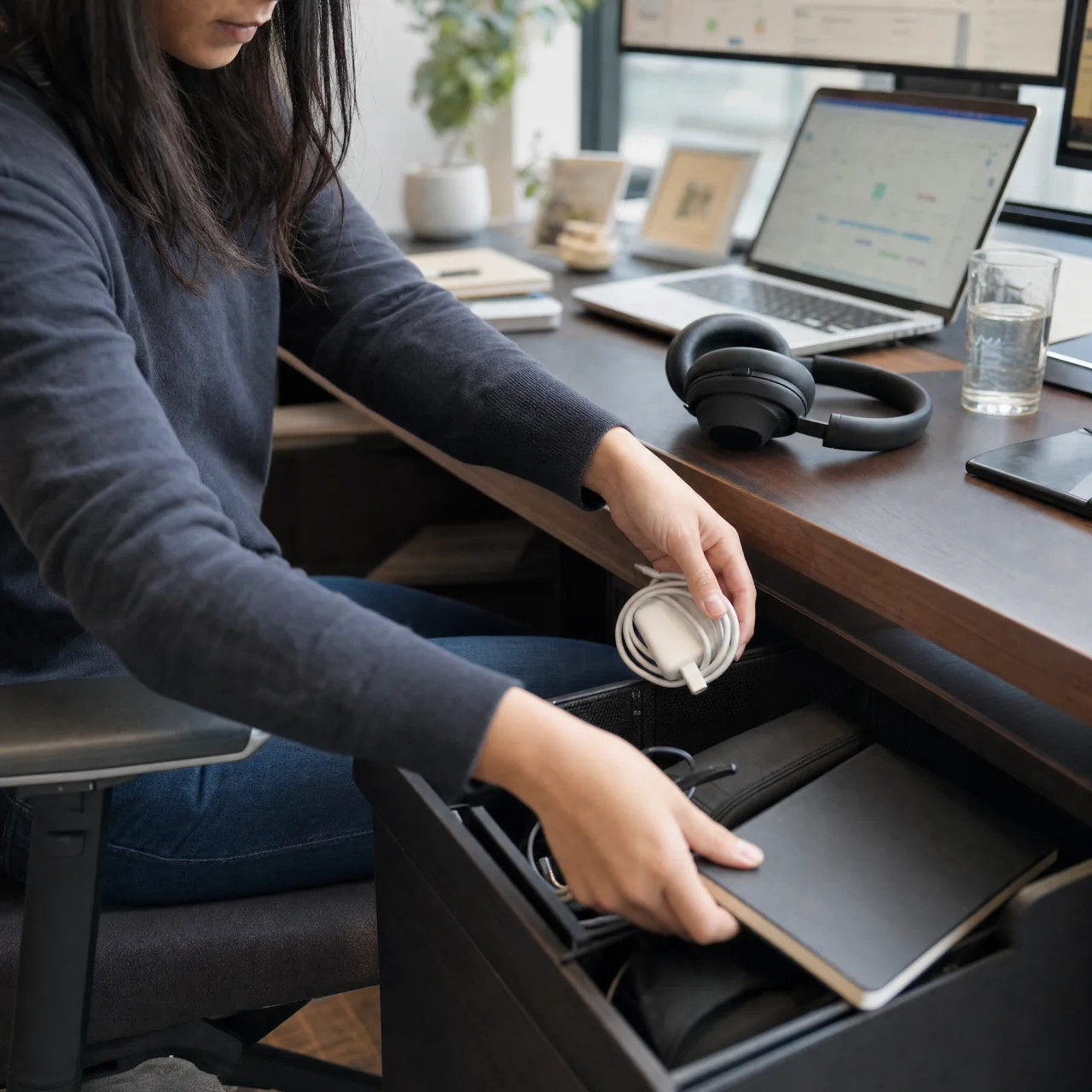
Keep clutter from coming back
Remote work creates a steady stream of cups, chargers, notes, and gear, so even a good setup needs a reset. A short end-of-day routine can clear the desk, return shared items, and flag supplies that need attention before tomorrow. ChatGPT can use your schedule, common trouble spots, and available storage to create a simple daily and weekly reset routine that is easy to keep.
問問 ChatGPT

Bring better order to your home
Once you find what works in your office, use it to improve the rest of your home. Get a practical room-by-room plan, or find a few easy changes to make first.