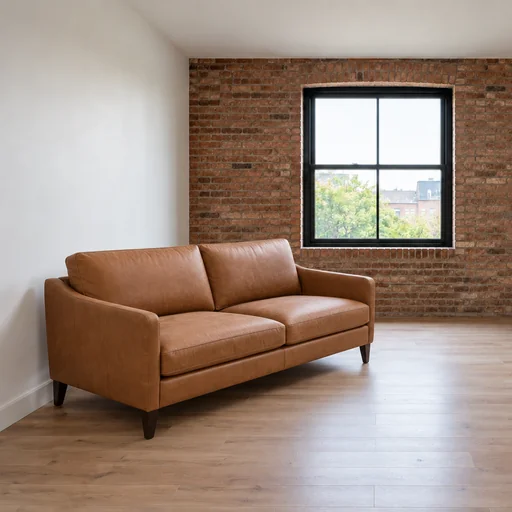
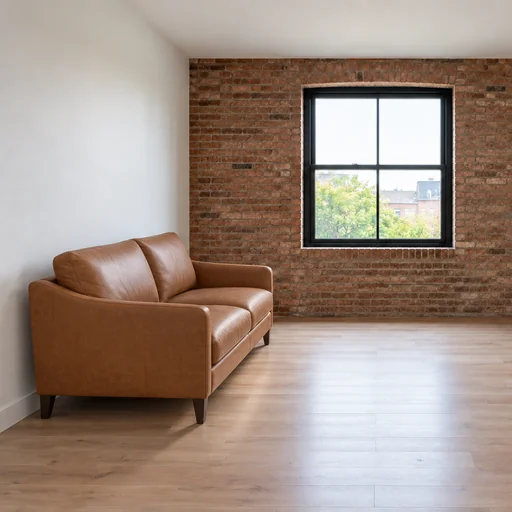
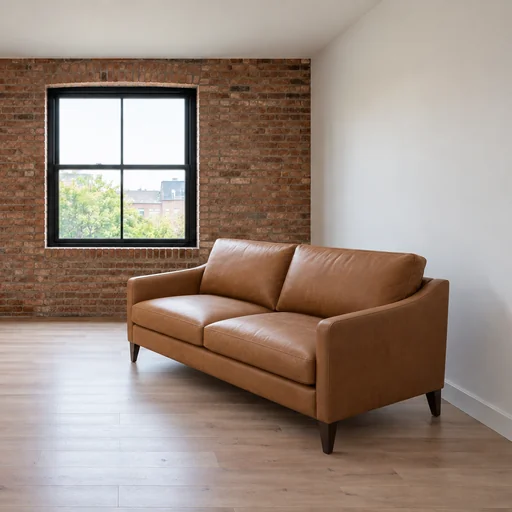
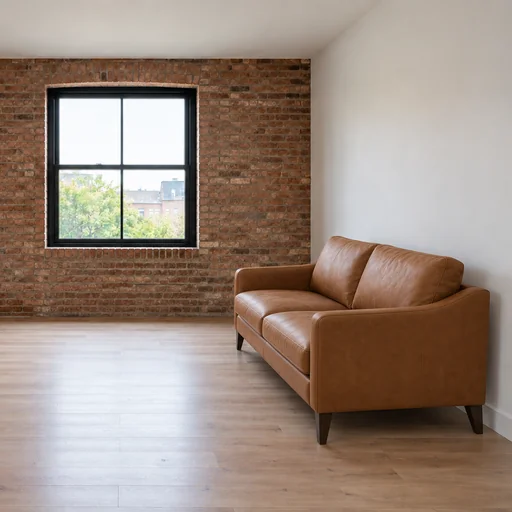
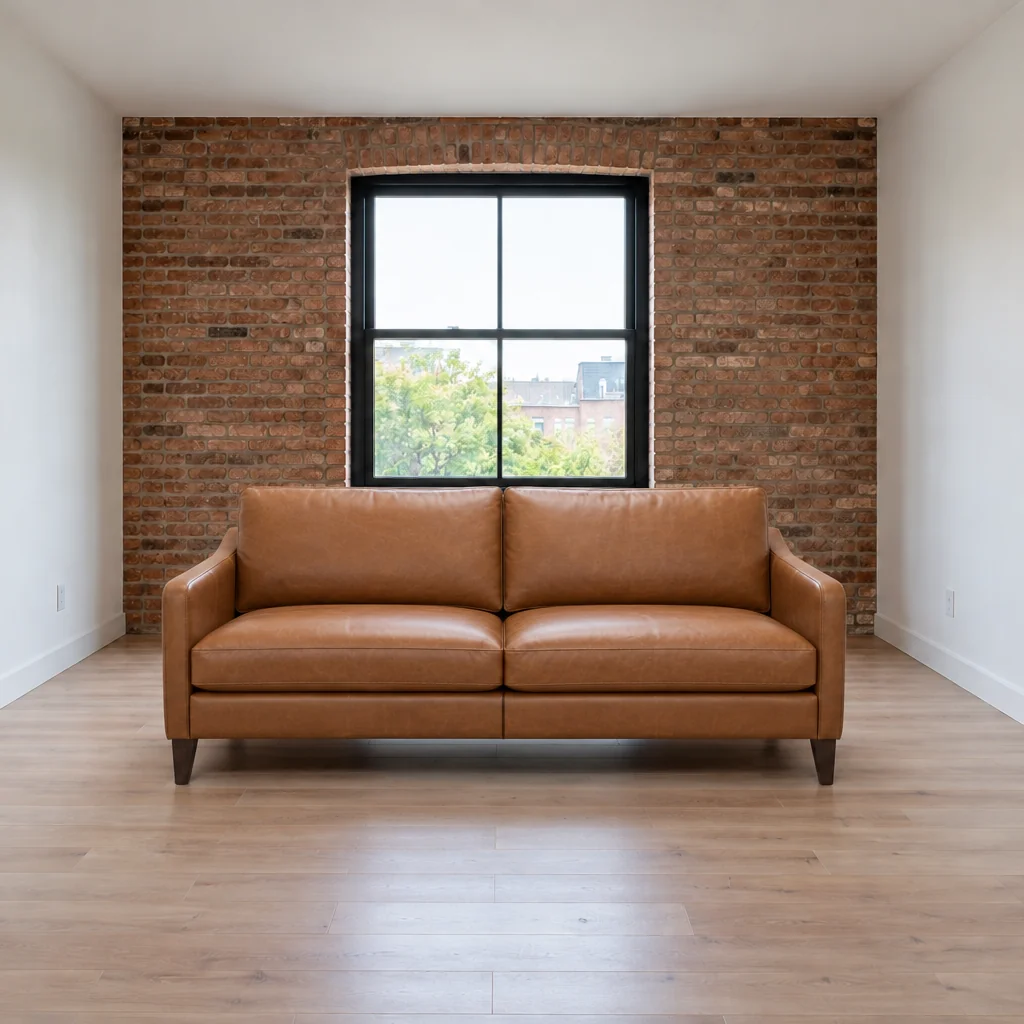
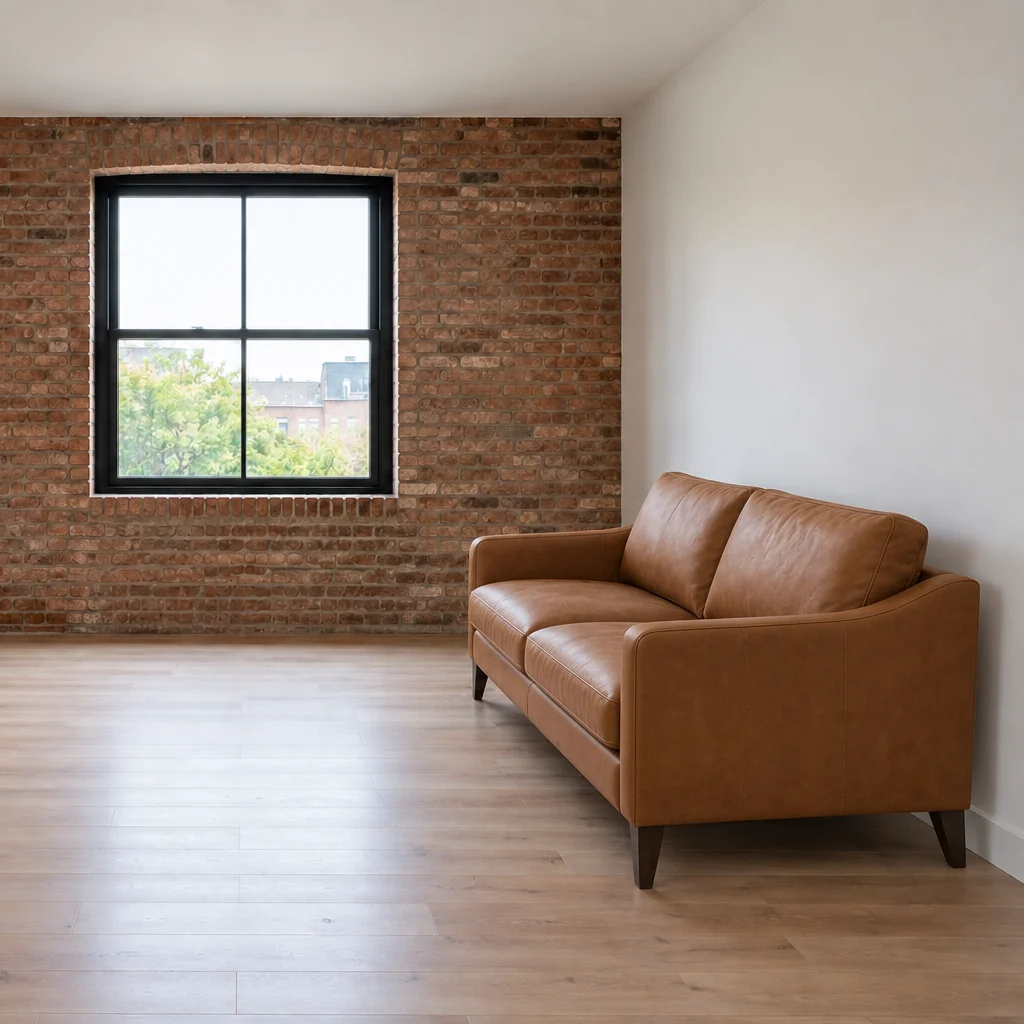
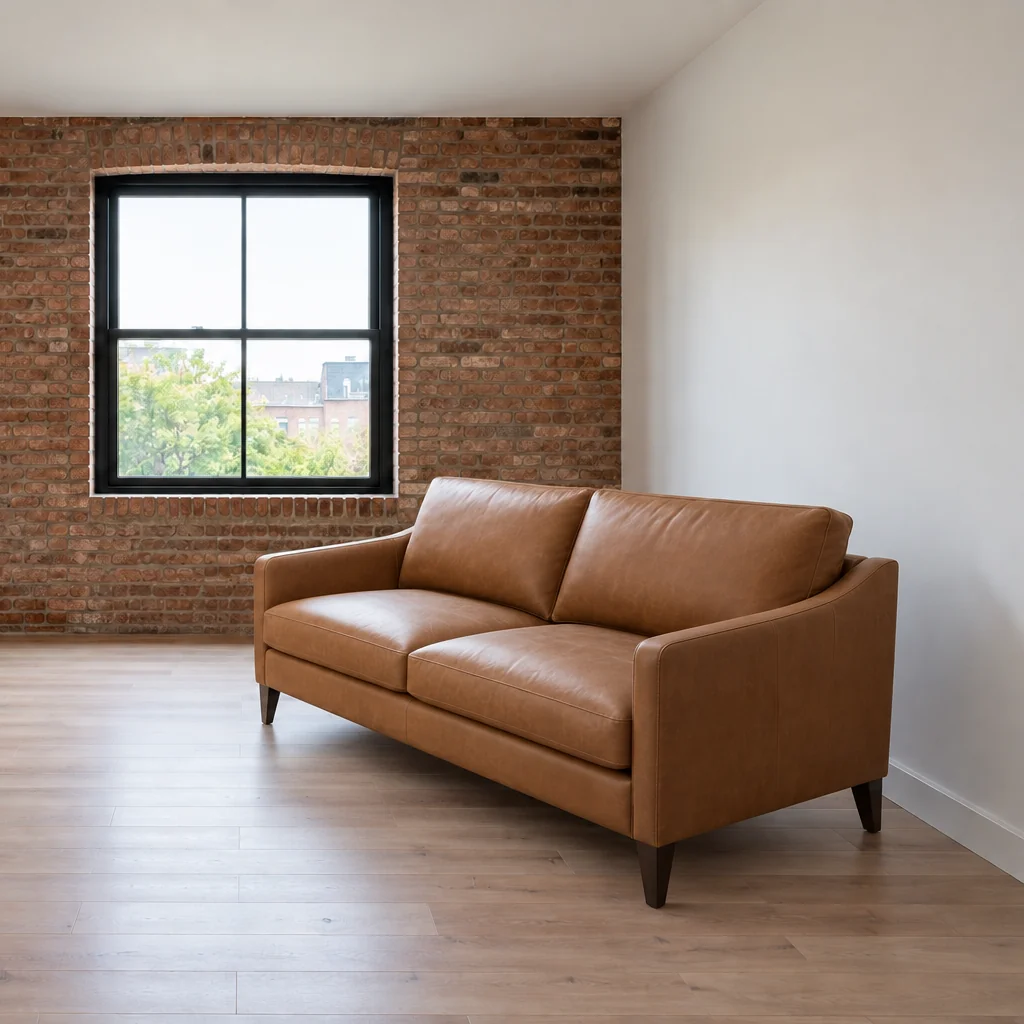
Tan leather sofa centered facing the viewer in an otherwise empty room with a brick wall and black-framed window.Tan leather sofa at the front left of an empty room, angled toward the center beneath a brick accent wall.Tan leather sofa positioned along the left wall facing right in a room with an exposed-brick back wall.Tan leather sofa at the front right of an empty room, angled toward the center beneath a brick accent wall.Tan leather sofa positioned along the right wall facing left in an otherwise empty brick-accent room.

Visualize furniture placement

See how your furniture could fit in your room photo with believable scale, perspective, lighting, and contact shadows.

  1. Upload
  2. Log in
  3. Create
  • Start with your room photo

    Upload your room photo and furniture reference so the proposed placement can match your space.

  • Guide the placement

    Ask for believable scale, perspective, lighting, and contact shadows around the furniture.

  • Keep your room recognizable

    Review the result to check the furniture’s fit and preserve the room’s architecture and unrelated objects.

Room planning made visual

See furniture in context before rearranging

Compare five positions and orientations of the same sofa in the same room.

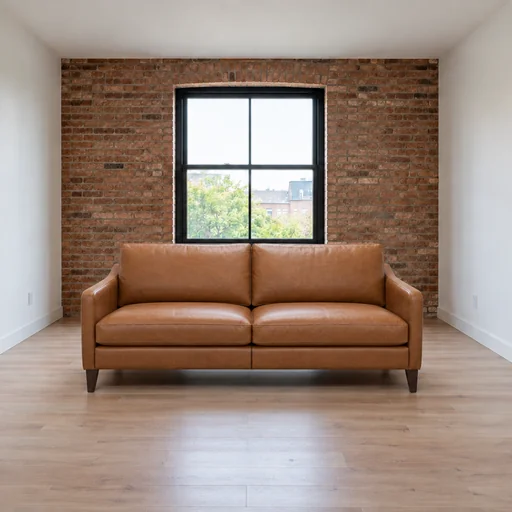
Tan leather sofa centered facing the viewer in an otherwise empty room with a brick wall and black-framed window.
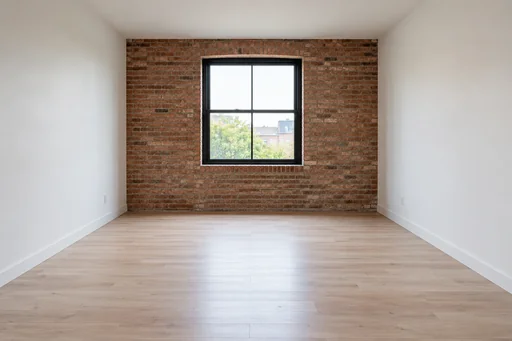
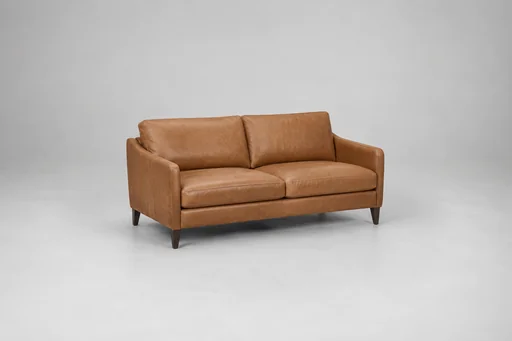
Source 1 for Furniture placement: empty room brick loft.Source 2 for Furniture placement: camel two seat sofa.
Tan leather sofa positioned along the right wall facing left in an otherwise empty brick-accent room.
Source 1 for Furniture placement: empty room brick loft.Source 2 for Furniture placement: camel two seat sofa.
Tan leather sofa at the front right of an empty room, angled toward the center beneath a brick accent wall.
Source 1 for Furniture placement: empty room brick loft.Source 2 for Furniture placement: camel two seat sofa.

Get started

Upload both original images, send the pictured request and review the resulting edit.

步驟 1

Upload both photos

Attach the empty room photo first and the sofa reference second.
步驟 2

Request the edit

Send this exact request with the same two photos in the same order.

Step 3: Review the result. Tan leather sofa centered facing the viewer in an otherwise empty room with a brick wall and black-framed window.

步驟 3

Review the result

Check the sofa design, position, contact shadows and unobstructed window.